Building digital tools for Philology
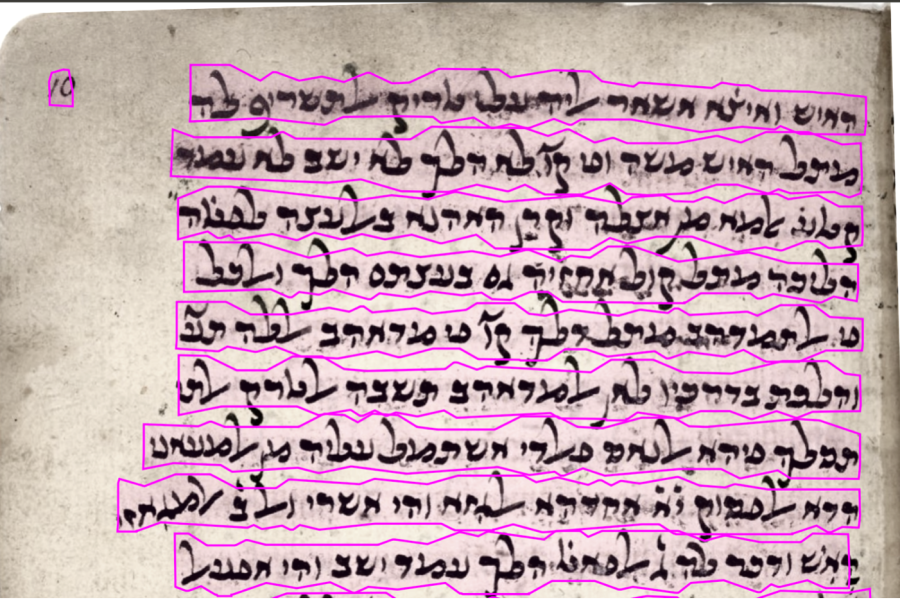
Manuscripts are a fascinating part of the material culture that we, as philologists, rely on to reconstruct texts and understand the cultures and communities that produced them. Textual scholarship has come a long way, opening up new ways to engage with these texts and draw fresh insights from the cultures that transmitted them. But manuscripts are tricky things to work with: scripts, scribal conventions, and letter forms, not to mention damage or erasure, all leave the scholar making editorial decisions at every step in the work. When a text survives in multiple witnesses, each with its own quirks, things can get even more tangled. Of course, this is elementary for experienced philologists, but no less time-consuming for being so.
Transcription often consumes a large share of a critical edition's time from the very start, but in the current era of digital editions there seems to be more opportunity than ever to streamline the process from manuscript to screen. Digital editions have changed what a text can do once it reaches a reader: the text becomes fully searchable, linked to its original image, comparable against other witnesses, and able to make all of its grammatical information available at a click. But the digital edition has not fully changed the front-end labor of getting the text into digital form. That part still largely looks like it always has: a scholar, a manuscript, and a keyboard.
Where this project began
That is where this project began. In my graduate program at The Ohio State University, I worked constantly with manuscripts, reading, deciphering, and translating, and I worked through some lengthy medieval codices for my thesis project. I found myself frustrated by how long it took to get text from image to page, in a language I was not yet expert in and with scribal conventions I was not used to. Even one section of one codex would take a long time to work through. I began to wish there was something, anything, that could take the first pass and leave me with a text to be corrected and explored rather than laboring through it. So I went looking. The first tool I found was a well-established text recognition platform. I explored it and tried to use it, but what it offered could not handle the material I was working with. Looking further, I came across an application I struggled to get running, but the underlying technology behind it was promising: Kraken, an open-source Automatic Text Recognition tool. It was in exploring Kraken that the idea came together, to build a fully developed application around this technology, one that fed directly into a textual database. I had no previous training in or exposure to application building, save for a class on SQL databases for digital editions through the NESA department (NELC 5245). To make the project happen, I took a directed study focused on building this application and on what tools like it might mean for the field of philology.
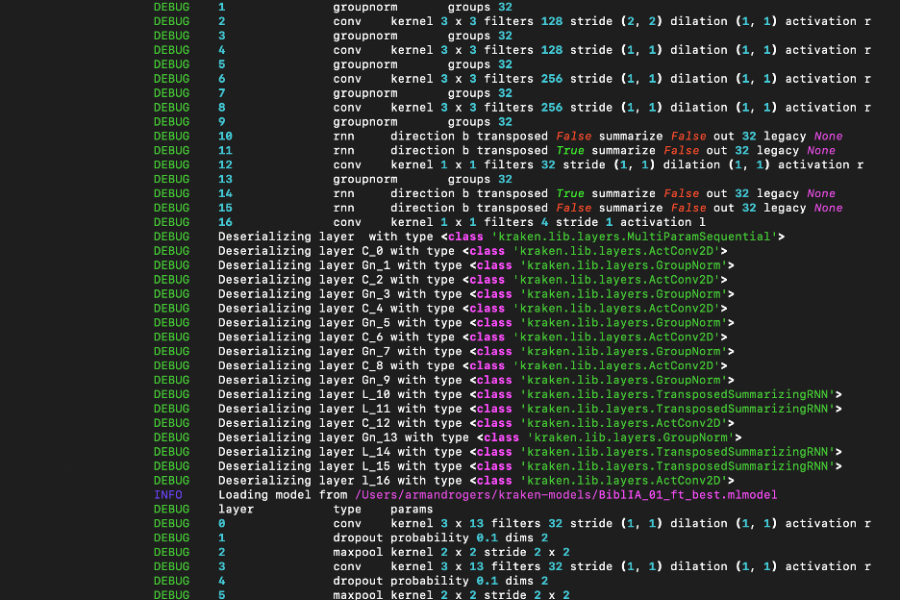
Kraken itself can be used in two ways. The first, and the most direct way to integrate it into a larger piece of software, is through its API: a set of Python functions that another application can call directly inside its own program. So if a custom text editor wants to run text recognition on a manuscript image, the image stays inside the running application; nothing has to be written to disk and read back. The second is the Command Line Interface, where the user types Kraken commands into a terminal and the tool reads inputs and writes outputs as files.
Building the application
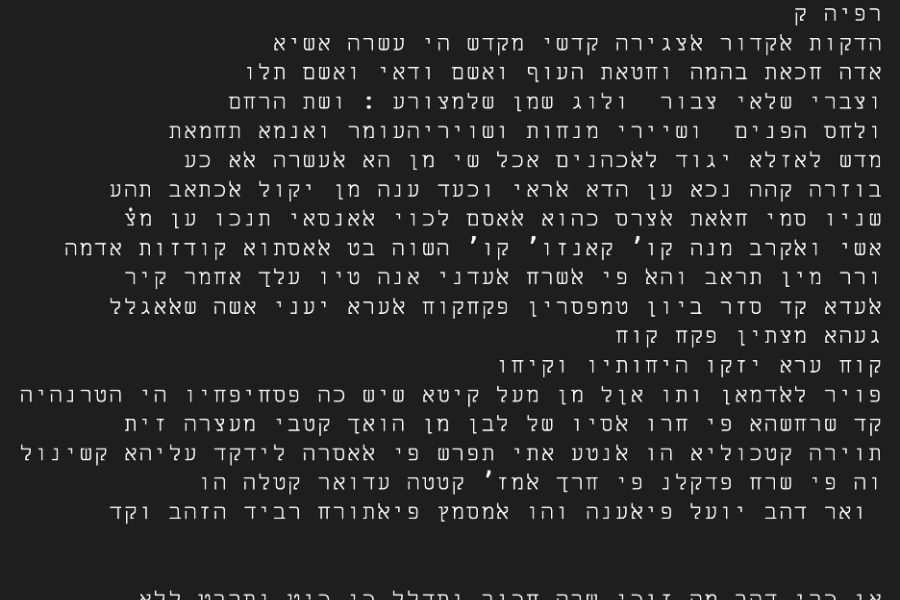
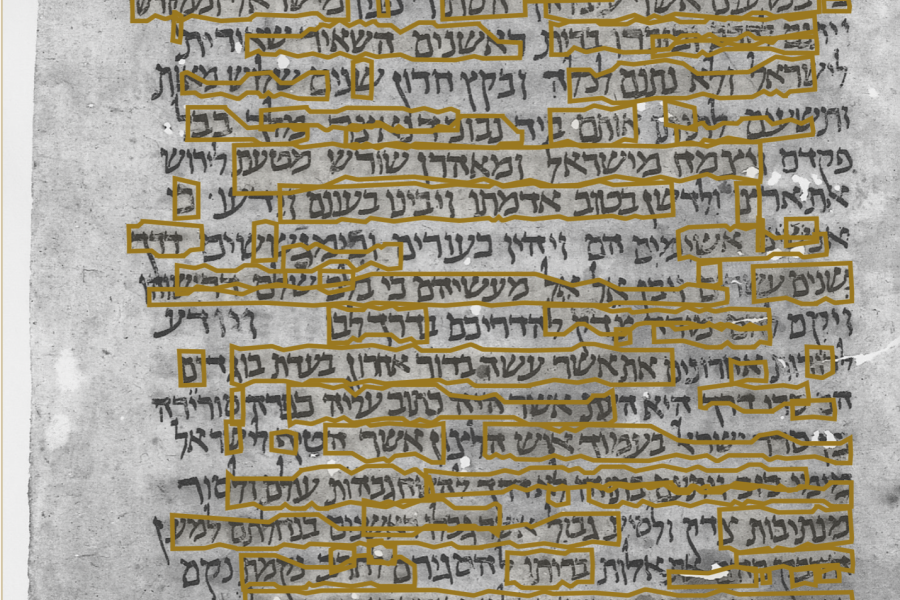
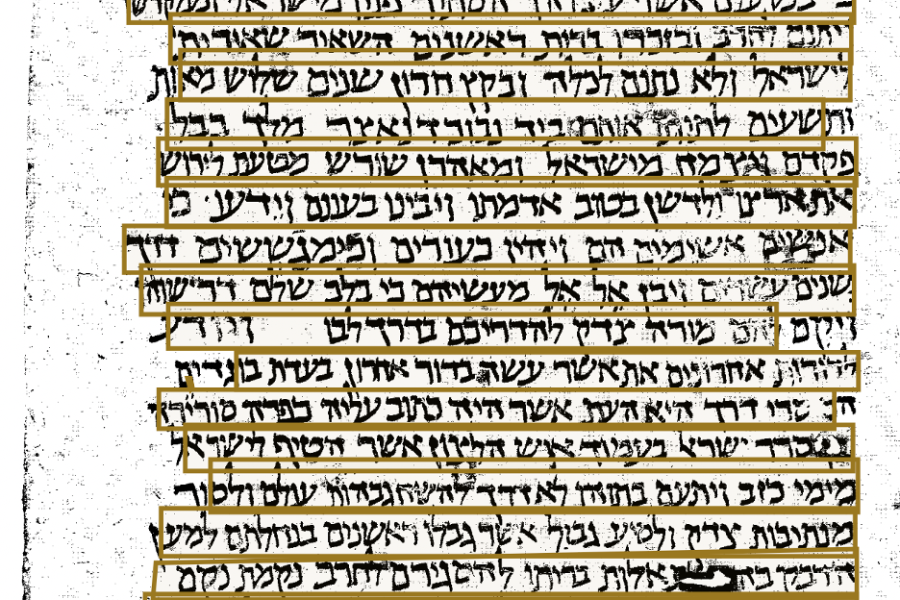
I began by running a series of tests on images and PDFs through the command-line interface and got text output back. It was exciting to see concrete results, but the limited engagement meant I was not seeing how the engine was actually functioning, how it was reading and parsing, and, more importantly, how it was making mistakes. I needed an interface to explore all of this. So I developed, through FastAPI, a simple web app that sat on top of the underlying Kraken commands and let me interact with the material more directly. The first few iterations were simple. They presented the original image with an editable text field, a text export option that moved the output into a text file or structured CSV, and images of the segmented and cropped lines for improving the model. But it was while using this version that I started running into limitations: features I kept reaching for that weren't there.
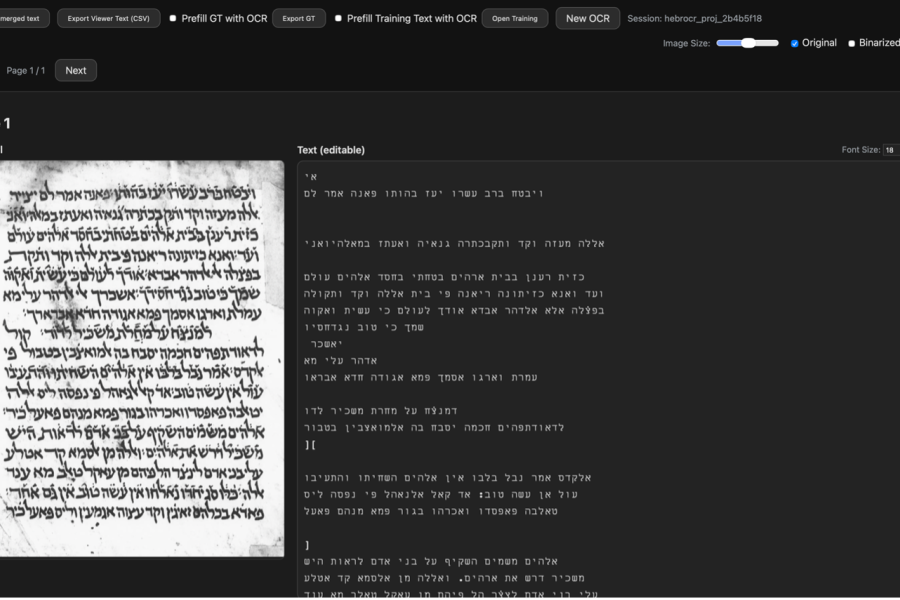
When I realized I needed more control over the segmentations to be able to correct the line breaks, I added the ability to edit them, followed by other automatic corrective features like deskew, automerge, and DPI calibration.
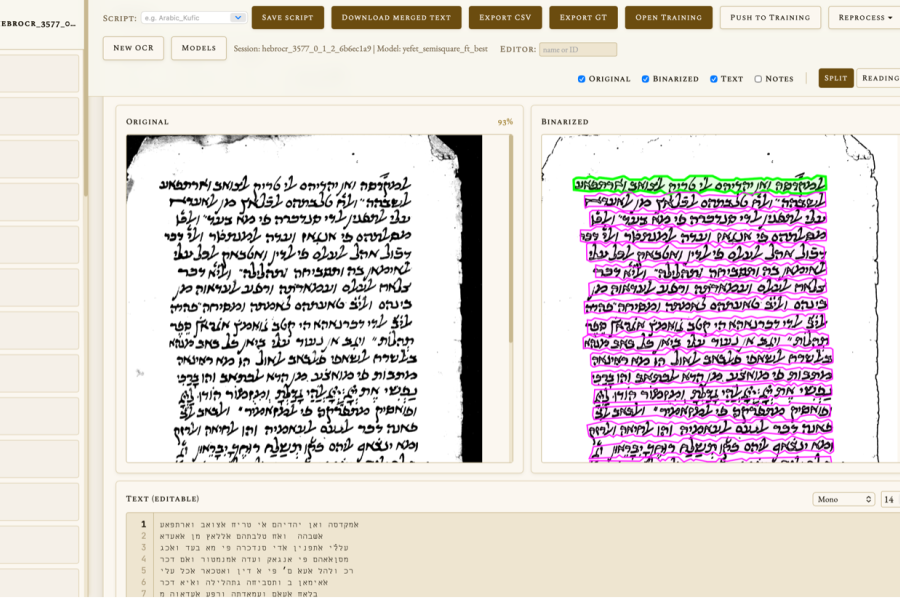
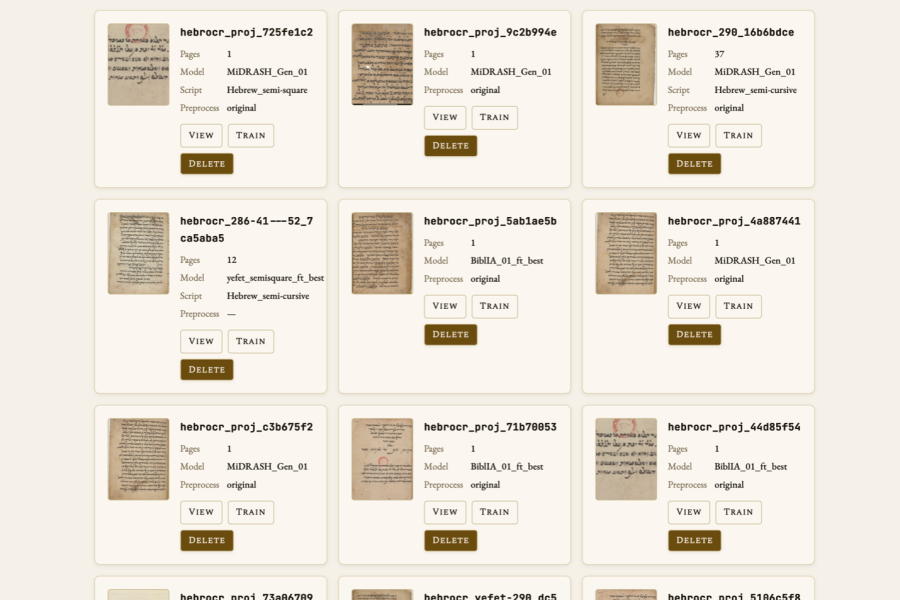
When I realized it was cumbersome to correct the text twice, once for the transcription and once for model training, I added the ability to push the corrected transcription into the ground truth for training. When I wanted more control over the models themselves, I added a dedicated page for viewing and working with the model files. When I realized I wanted control over the validation set the model was being trained on, I added a script category for documents and models, which kept differing scripts separate so as not to pollute the model. And when I started to accumulate a larger number of projects and began to have trouble finding specific runs, I added a dedicated page for documents that included thumbnail images and relevant information. The app grew the way a lot of scholarly tools grow: every time I hit a limitation, I stopped and built whatever would let me keep going.
Toward a digital edition
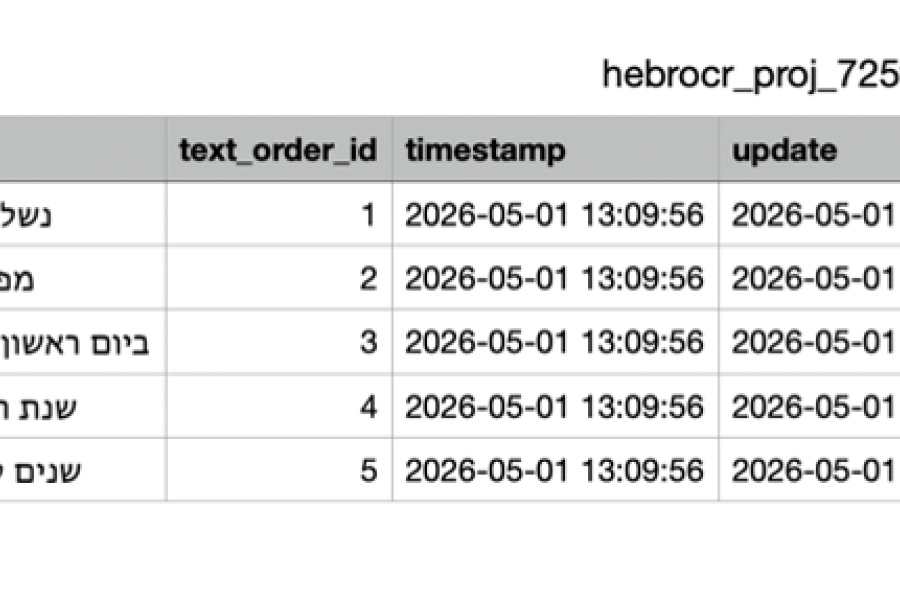
Underneath all of this was the larger goal of having a tool that helped me get the text from manuscript to database. At Ohio State, graduate students in the Near Eastern Studies field are trained to work with texts in relational databases, not only for digital publication but also for analytical research. So certain features in the app that may otherwise look like conveniences are actually intentional steps toward making the tool as usable as possible for editing texts that will live in a database. Shelfmark and object IDs, automatic page, line, and text-order numbering, folio and side, cascade features, notes with book/chapter/verse identifiers, and language and script identifiers all come together in a structured CSV that is ready to be loaded directly into a database, with only light editing. Each of these is small on its own, but taken together, they mean the output from correcting within the app isn't just a block of text but a structured row of data ready for analysis. It will be incredibly interesting to see how this sort of technology and workflow contributes to the continued preservation and accessibility of textual objects in environments such as DLATO at Ohio State.
Using the application
As it stands now, the application is a local web application that you interact with through a browser. The home page is where a project session begins. The user uploads an image or PDF, selects a model and calibration settings, and runs the job. An animation appears to indicate that the session has started, and the page redirects to the new project's viewer once the run is complete. Because the engine and the model have to segment and read every page, large PDFs can take some time to process. However, once in the viewer, the user can review how the model performed and edit the output, correcting misreadings. Corrected text can then be pushed into the training page, where it can be checked and exported as ground truth into the validation set. Once the validation set is in place, a base model can be selected, reviewed, trained, tested, and deployed for continued use. The ground truth set can also be exported and shared among collaborators to improve model performance across a team.
This application, from idea to first release, took just shy of a year to bring together. I had no previous training in computer science or application engineering. I just relied on a little bit of know-how, creativity with assistive AI tools, and my own intuition to put together a usable application for philologists. Every change along the way had to be inspected, every bug noticed, every state of the application saved as a copy in case the next round of edits broke something I needed to recover. I learned what the code was doing in the process of changing it, which is a slow way to learn but, in this case, the only one available to me. Some functions just worked from the start: uploading and processing images, exporting structured CSVs, the sorts of things that are integral to the app's general vision. Others took absurd amounts of time relative to what they look like in the finished product. Getting segmentation edits to save reliably and reappear on the page took hours of testing and adjustment. Getting the segmenter to behave consistently across images of widely different sizes took another stretch of trial and error. And, somewhat to my surprise, building a dark-and-light theme that handled every component of the interface cleanly was one of the more involved pieces of the whole build.
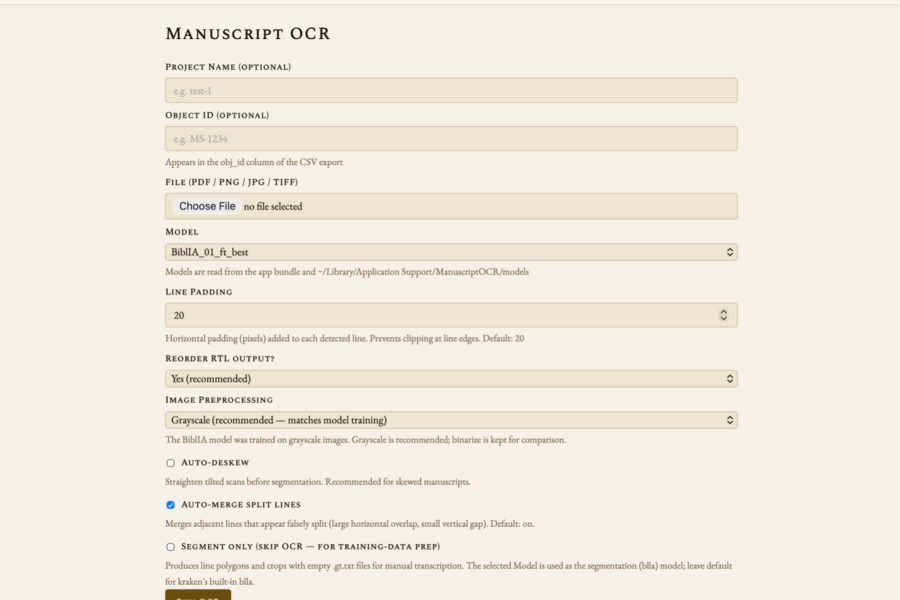
What separates this app from the other Kraken-based programs is its focus on accessibility. I designed it not to rely on the command line or a secondary launching tool, so what it lacks in robustness it makes up for in approachability. I wanted an application you could click on and launch, and that is what I have produced. The application will certainly take some getting used to, and the models in their infancy may be less accurate than desired, but pre-trained models are often made available online in places like Zenodo, and over time, with enough data, they become reliable enough to make this application a considerable time-saver.

The application is currently available for download from github.com/Armand4399/OCRapp/releases and is open source and free to use and improve.
